


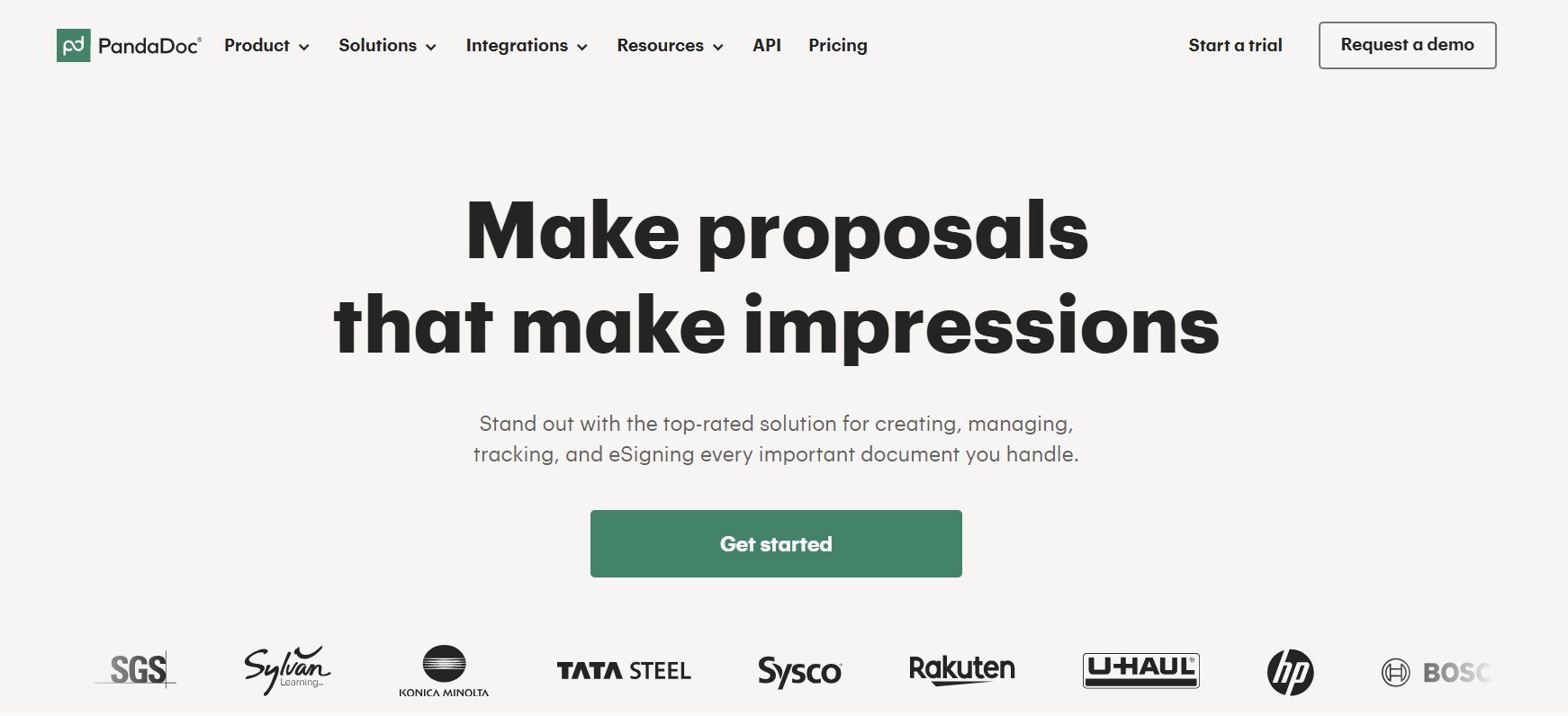
PandaDoc has established itself as a leading document automation platform in 2026, combining proposal creation, electronic signatures, contract management, payments, and analytics into one streamlined solution. Sales teams, small businesses, and enterprises rely on it to accelerate deal cycles, reduce manual paperwork, and improve the buyer experience. With strong ratings across G2, Capterra, and other review sites, PandaDoc earns praise for its intuitive drag-and-drop editor and robust integrations while facing criticism for pricing that can climb quickly for larger teams.
This in-depth review examines PandaDoc’s key features, integrations, pricing plans, pros and cons, and how it stacks up against competitors in 2026. Whether you manage proposals, contracts, or HR documents, this analysis helps determine if PandaDoc fits your workflow.
What Is PandaDoc?
PandaDoc serves as an all-in-one document management platform designed to handle the entire lifecycle from creation to signature and payment. Users build professional proposals, quotes, contracts, and other documents using templates or from scratch, then send them for electronic signatures, track engagement in real time, and collect payments directly within the document.
Founded as a proposal tool, PandaDoc has evolved into a comprehensive contract lifecycle management solution. It emphasizes automation, compliance, and CRM connectivity. The platform supports legally binding e-signatures compliant with ESIGN, UETA, eIDAS, and HIPAA (with add-ons), making it suitable for regulated industries.
In 2026, PandaDoc highlights AI-powered features like intelligent document processing, data extraction, and smart content that adapts based on recipient inputs. These additions position it as more than a basic e-signature tool. It competes directly with DocuSign, Adobe Acrobat Sign, and specialized proposal platforms like Proposify or Qwilr.
Core Features of PandaDoc in 2026
PandaDoc’s strength lies in its rich feature set that goes beyond simple signing.
Document Creation and Editor: The drag-and-drop editor stands out as user-friendly. Users insert text, images, videos, pricing tables, and form fields without coding skills. The content library stores reusable branded assets, such as logos, product catalogs, and standard clauses, enabling fast document assembly. Smart content and content locking prevent errors by showing or hiding sections dynamically and protecting sensitive areas.
Templates and Customization: PandaDoc offers a large library of professional templates for proposals, contracts, invoices, NDAs, and more. Custom branding, themes, and email whitelabeling help maintain consistent company identity. In 2026, AI assists with data extraction from uploaded documents and suggests improvements.
Electronic Signatures and Workflows: Unlimited e-signatures come with most paid plans. Features include signing order, in-person signing, ID verification (SMS, knowledge-based authentication), and qualified electronic signatures (QES) for EU compliance. Approval workflows, inline comments, suggest edits, and deal rooms facilitate team and client collaboration.
Payments and CPQ: Integrated pricing tables, product catalogs, and CPQ (Configure, Price, Quote) functionality allow dynamic quoting with rules-based pricing. Users collect payments via Stripe, PayPal, Square, ACH, and others directly in the document, reducing steps in the sales process.
Tracking and Analytics: Real-time notifications, audit trails, recipient analytics, auto-reminders, and automated reports provide visibility into document performance. Users see who opened, viewed, or engaged with sections, helping sales teams follow up effectively.
Automation and AI: Workflow automation, internal and external automations, and new AI tools for contract review and insights minimize repetitive tasks. Bulk send with CSV support handles mass outreach efficiently.
Security and Compliance: SOC 2 Type II, GDPR, data residency options, SSO, two-factor authentication, and detailed permissions ensure enterprise-grade security. Audit trails and digital signature certificates add legal robustness.
These features make PandaDoc particularly valuable for sales, HR, legal, and finance teams seeking to reduce document turnaround time significantly. Users report up to 50 percent faster proposal creation and much quicker signature collection compared to manual processes or competitors.
Integrations: Connecting PandaDoc to Your Tech Stack
PandaDoc excels with native and Zapier-based integrations, reducing context-switching.
CRM Integrations: Deep, two-way sync with Salesforce (premium), HubSpot (including CPQ), Pipedrive, monday.com, Zoho, Copper, Insightly, Nutshell, Zendesk Sell, SugarCRM, and others. Data pulls automatically into documents, and status updates sync back to the CRM.
Payment Gateways: Stripe, PayPal, Square, Authorize.net, QuickBooks Online, and FreshBooks enable seamless collections.
Productivity and Storage: Slack, Microsoft Teams, Google Drive/Sheets/Docs, Dropbox, OneDrive, and Canva support collaboration and asset management.
HR and Other Tools: Greenhouse for offer letters, Zapier/Make for custom automations, and API access (Enterprise) for custom development.
Reviewers highlight the HubSpot and Salesforce integrations as particularly strong, enabling efficient deal workflows. Some note occasional glitches with complex setups, but overall connectivity remains a major advantage.
Pricing Plans for 2026
PandaDoc offers flexible, scalable pricing with a free tier.
- Free: $0 per month, unlimited seats. Limited to 5 documents per month (or 60 per year in some references), basic e-sign, editor, and tracking. Ideal for testing or very light use.
- Starter: $19 per user per month (billed annually; $35 monthly). Unlimited documents and signatures, full editor, templates (limited), basic tracking. Good for freelancers and small teams.
- Business: $49 per user per month (billed annually; $65 monthly). Adds custom branding, CRM integrations, approval workflows, pricing tables, payments, bulk send (with credits), and more. Most popular for growing sales teams.
- Enterprise: Custom pricing (per seat or per document). Includes advanced CPQ, full automation, SSO, API, workspaces, notary, HIPAA, and premium support. Tailored for large organizations.
Annual billing saves significantly (up to 46 percent). Add-ons like web forms, bulk send credits, Salesforce, or advanced security can increase costs. Some users report the need for higher tiers or add-ons to unlock full value, making it less budget-friendly for small teams with many users.
PandaDoc provides a free trial or demo for paid plans and an ROI calculator to demonstrate potential savings.
Pros of PandaDoc
- Ease of Use: Intuitive interface and drag-and-drop editor allow quick onboarding. Non-technical users create professional documents rapidly.
- Comprehensive Feature Set: From creation to payment and analytics, it covers the full document journey in one platform.
- Strong Integrations and Automation: Reduces manual data entry and streamlines workflows, especially with CRMs.
- Excellent Tracking and Analytics: Real-time insights help close deals faster.
- Compliance and Security: Robust options suit regulated industries.
- Customer Support: Highly rated, with responsive teams praised in reviews.
- Templates and Design: High-quality outputs impress clients and maintain branding.
Businesses often cite time savings, higher close rates, and professional presentation as key benefits.
Cons of PandaDoc
- Pricing: Per-user model escalates costs for larger teams. Advanced features require Business or Enterprise plans, and add-ons add up. Some find it premium-priced compared to simpler e-sign tools.
- Learning Curve for Advanced Features: While basic use is easy, setting up complex workflows, CPQ rules, or integrations takes time and possibly training.
- Occasional Limitations: Some report formatting inconsistencies, email delivery to spam, or locked template layouts. Integration glitches (e.g., with certain CRMs or Stripe) appear in reviews.
- Limited Free Plan: Insufficient for regular use beyond testing.
- Support Variability: While generally strong, peak times or complex issues can lead to slower responses for lower-tier users.
PandaDoc vs. Competitors in 2026
PandaDoc often outperforms pure e-signature tools like DocuSign in proposal design and built-in payments/CPQ, though DocuSign may suit high-volume signing needs better for some. Adobe Acrobat Sign integrates deeply with Adobe tools but lacks PandaDoc’s proposal focus.
Alternatives like Proposify, Qwilr, or GetAccept emphasize interactive proposals, while BoldSign or SignNow offer more affordable unlimited signing. For full contract lifecycle management, platforms like Oneflow provide deeper post-signature editing.
PandaDoc’s balance of features, usability, and integrations keeps it highly rated, frequently ranking #1 in proposal software categories on G2.
Who Should Use PandaDoc?
PandaDoc suits sales teams, agencies, SaaS companies, and any business sending proposals, contracts, or quotes regularly. Small businesses benefit from the Starter plan, while growing or enterprise organizations leverage Business/Enterprise for automation and compliance. HR teams use it for offer letters, and finance for invoicing with payments.
If your needs center on basic signing with minimal design, cheaper alternatives may suffice. For design-heavy, integrated, analytics-driven processes, PandaDoc delivers strong ROI.
Final Verdict
In 2026, PandaDoc remains a top-tier choice for document automation, earning high marks (around 4.5-4.7 across major sites) for its feature depth, user experience, and efficiency gains. It shines in creating impressive, trackable documents that close deals faster while integrating seamlessly with existing tools.
Potential drawbacks around cost and occasional setup complexity exist, but for most teams, the productivity boost and professional polish justify the investment. Start with the free plan or a demo to test fit.
Overall, PandaDoc earns a strong recommendation for businesses ready to modernize document workflows. With ongoing AI enhancements and solid compliance, it should continue leading the space.