


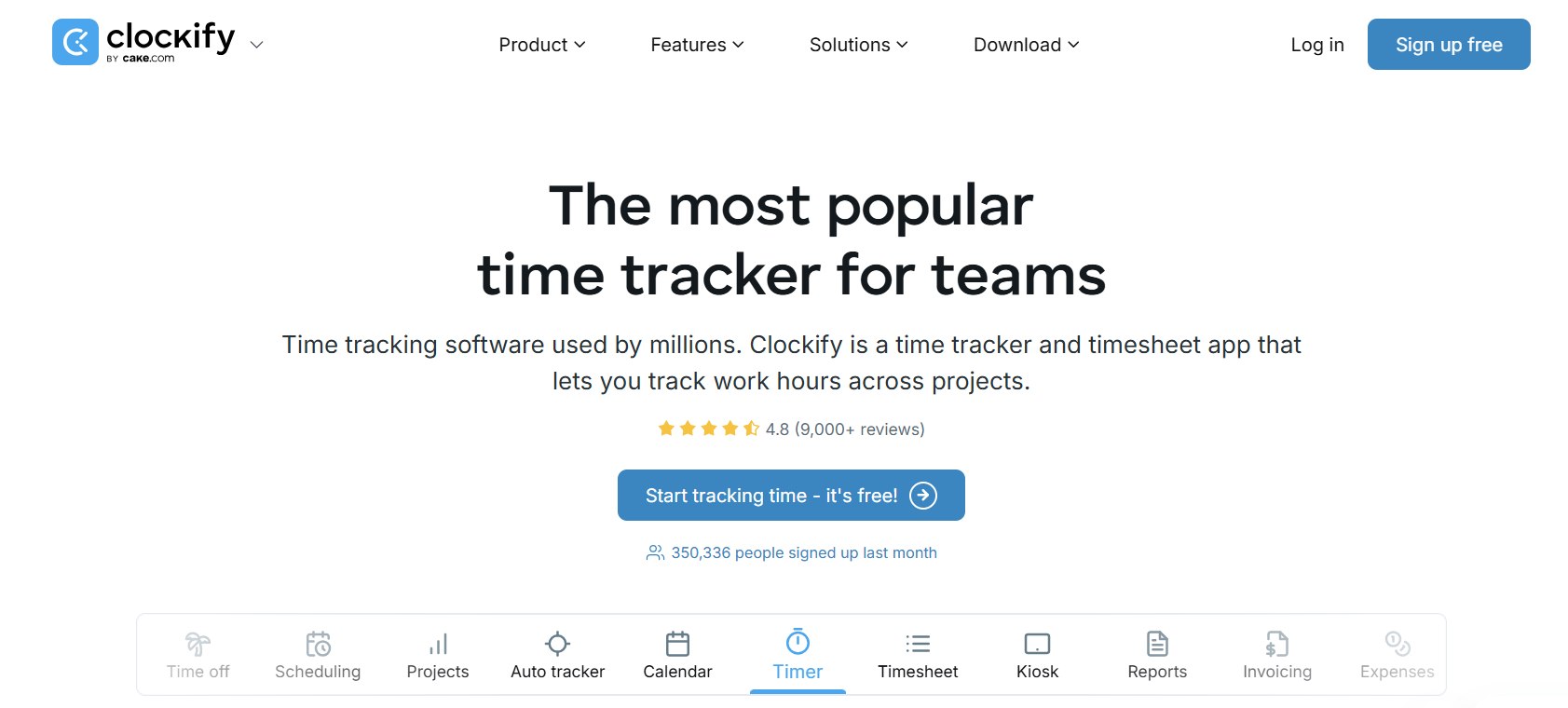
In the fast-evolving world of productivity tools, time tracking remains foundational for freelancers, agencies, remote teams, and enterprises alike. As we sit in mid-2026, Clockify continues to dominate as one of the most accessible and scalable time trackers on the market. With over 7 million users worldwide and a consistent 4.8/5 rating from thousands of reviews, Clockify has refined its formula: powerful yet simple timekeeping, robust reporting, and seamless cross-platform access—all while keeping its free tier viable for small teams.
This 2026 review dives deep into Clockify’s current capabilities, updated pricing (notably the shift to a 5-user cap on the free plan), native and third-party integrations, real-world pros and cons, and whether it still earns its reputation as the “best free time tracker.” Whether you’re a solo freelancer logging billable hours or a growing agency managing 50+ employees, this comprehensive analysis will help you decide if Clockify fits your workflow.
What Is Clockify?
Clockify is a cloud-based time tracking and timesheet application developed by CAKE.com. Launched years ago as a completely free tool, it has matured into a full productivity suite that handles timekeeping, project management, budgeting, attendance, invoicing, and payroll insights. Unlike heavier enterprise tools that feel bloated, Clockify prioritizes speed and simplicity: start a timer in seconds, assign it to a project or task, and generate reports instantly.
It works across every device—web, desktop (Windows, Mac, Linux), mobile (iOS and Android), browser extensions (Chrome, Firefox, Edge), and even a kiosk mode for shared devices. All data syncs in real time, with strong offline capabilities. In 2026, Clockify remains trusted by millions precisely because it solves the core pain point of time tracking without forcing users into complex setups or expensive commitments.
Target users include freelancers who need billable-hour accuracy, small-to-medium businesses tracking team productivity, agencies managing client projects, and even larger organizations seeking affordable attendance and payroll tools. It’s not a full HR system or deep project management platform like Monday.com or Asana, but it excels as a lightweight layer that plugs into those tools.
Key Features in 2026
Clockify organizes its features into clear categories: Timekeeping, Reporting, Management/Planning, Budgeting, Attendance, and Payroll. Most core functionality is available even on lower tiers, with advanced automation and monitoring gated behind paid plans.
Timekeeping The heart of Clockify remains its frictionless timer. Users can start/stop the stopwatch with one click, add time manually, or continue previous entries. Timesheets offer a clean weekly grid view with templates, reminders, and bulk submission/approval workflows. The Calendar view visualizes daily blocks and syncs with Google Calendar or Outlook events for effortless logging.
Newer standout tools include the Auto Tracker (desktop apps), which passively logs activity across apps, websites, and documents, then groups them into a timeline for review. Idle detection, Pomodoro timer, and break tracking are built-in. For offices or field teams, Kiosk mode lets employees clock in/out via PIN or QR code on a shared tablet or computer—perfect for factories, retail, or co-working spaces. Mobile and desktop apps support full offline tracking with automatic sync.
Reporting & Analytics Clockify shines here. Generate Summary, Detailed, Weekly, Assignment, Attendance, and Expense reports with powerful filters by project, client, tag, user, or custom fields. Visualize data with charts showing time spent, earnings, costs, and profit. Export to PDF, CSV, or Excel; share live links; or schedule email reports.
Location tracking (GPS on mobile/Pro plan) and optional screenshots (Pro) provide visibility into where and how time is logged. Reports handle multi-year ranges (limited on Free) and support decimal or minute formats, rounding, and historical rates. In 2026, reports feel faster and more customizable than ever, though deeper AI-driven insights remain on the roadmap.
Project Management, Planning & Budgeting Create unlimited projects and tasks, assign clients, set multiple hourly rates (billable and cost), and add estimates or budgets. Forecast performance, track progress against milestones, and compare scheduled vs. actual time via the Scheduling timeline (Pro+). Expenses can be logged as billable or non-billable with receipt attachments. Invoicing (Standard+) lets you create professional PDFs, add recurring invoices, record payments, and customize with logos and notes.
Team management includes roles, groups, custom user fields, and manager permissions. Scheduling visualizes capacity, assigns work, and highlights overloads.
Attendance, Time Off & Payroll Track daily attendance, overtime, and holidays. Employees request time off (PTO policies with accruals), managers approve, and balances update automatically. Payroll-ready reports calculate labor costs and profit using custom rates. QuickBooks integration syncs time entries directly for accounting teams. Upcoming features like TOIL (Time Off In Lieu) and multi-level approvals are in progress as of mid-2026.
Other Notables
- Custom fields and tags for granular categorization
- API and webhooks (expanded limits on paid plans)
- Audit logs and data region control (Enterprise)
- Force timer and GPS/screenshots for accountability (Pro)
The interface remains clean and modern—minimalist yet functional. New users can be productive in under 15 minutes.
Integrations: Plug and Play Across 100+ Apps
Clockify’s integration ecosystem is one of its biggest strengths. Native two-way integrations exist with major project and task tools: Jira, Asana, Trello, ClickUp, Monday.com, Notion, Airtable, Basecamp, GitHub, GitLab, Azure DevOps, Wrike, Teamwork, and more. Track time directly on tickets, tasks, or cards without switching tabs.
Calendar integrations (Google Calendar, Outlook) pull events automatically. Accounting sync with QuickBooks is seamless for invoicing and payroll. Support/CRM tools like Zendesk, Freshdesk, Help Scout, HubSpot, and Salesforce let agents log time on tickets or leads.
A browser extension works in 90+ web apps for one-click timers. Zapier connects Clockify to over 2,900 apps for custom automations (triggers like new time entry, actions like create invoice). Pumble (Clockify’s own chat app) delivers real-time notifications.
In practice, this means Clockify rarely feels isolated. A marketing team using Asana + Slack + Google Workspace can track time natively across everything. Developers on Jira get automatic time logging on issues. The open API and webhooks further extend possibilities for custom enterprise setups.
Pricing Plans: Still Affordable in 2026
Clockify’s pricing remains competitive, though the April 2026 update capped the Free plan at 5 users (previously unlimited). All plans bill per active seat (invited/deactivated users don’t count) with a 20% annual discount.
- Free ($0): 5 users max, unlimited projects/time tracking, basic reports (1-month range), timer/timesheet/calendar/auto-tracker, integrations, API (limited), 24/7 support. Ideal for solo users or tiny teams.
- Basic ($3.99/user/mo annual or $4.99 monthly): Unlimited users, add time for others, bulk edit, kiosk, project templates, time audit, required fields.
- Standard ($5.49/user/mo annual or $6.99 monthly): Invoicing (recurring too), time-off requests/approvals, approvals workflow, lock time, manager roles, QuickBooks sync.
- Pro ($7.99/user/mo annual or $9.99 monthly): Scheduling, forecasting, expenses, budgeting, custom fields, GPS tracking, screenshots, alerts, force timer.
- Enterprise ($11.99/user/mo annual or $14.99 monthly): SSO, SCIM provisioning, custom subdomain, audit log, dedicated support options.
Kiosk-only limited seats are cheaper. A Productivity Suite bundle combines Clockify with other CAKE.com tools at a discount.
Value is excellent for teams under 20–30 people. Larger organizations may find Pro/Enterprise features justify the cost compared to pricier alternatives like Toggl Track or Harvest.
User Experience, Platforms & Support
Clockify’s apps are polished and consistent. Desktop apps offer auto-tracker and idle detection; mobile apps handle offline tracking and expenses; browser extensions keep the timer always accessible. Kiosk mode transforms any device into a time clock.
The UI is intuitive—lightweight and fast even with hundreds of projects. Some users note the interface can feel “heavy” when scaling to dozens of projects, and occasional mobile sync lags appear in reviews, but overall stability is high (99.99% uptime).
Support stands out: 24/7 human help via email, chat, and phone for all users, with <1-hour average response and 95% satisfaction. Documentation, video tutorials, and an active community add value. Privacy controls are strong—users control what the auto-tracker logs, and Enterprise offers data region selection.
Pros and Cons
Pros
- Extremely easy to adopt with almost zero learning curve.
- Generous core functionality even on Free/Basic plans.
- Unlimited projects and time entries across all plans.
- Excellent cross-platform support and offline mode.
- Powerful yet accessible reporting and export options.
- Deep integrations with popular tools via native connectors and Zapier.
- Affordable scaling for growing teams.
- Transparent 24/7 support and high uptime.
- Strong focus on billable rates, invoicing, and client-facing features.
- Continuous improvements (roadmap items like multi-level approvals and TOIL show active development).
Cons
- Free plan now limited to 5 users (a notable 2026 change that affects very small teams who previously enjoyed unlimited free seats).
- Advanced monitoring (GPS, screenshots, force timer) and forecasting require Pro—teams needing strict oversight may prefer dedicated employee monitoring tools.
- Scheduling and capacity planning are solid but not as visual or sophisticated as dedicated tools like Float or Resource Guru.
- Mobile app occasionally reports sync or performance issues in user reviews.
- Reporting customization and AI insights lag behind premium competitors.
- No native direct payroll integration beyond QuickBooks (most users export and import).
- Relies heavily on user discipline; lower plans lack enforcement features.
Who Should Use Clockify in 2026?
Clockify is ideal for:
- Freelancers and solopreneurs needing simple billable tracking.
- Small-to-medium agencies and service businesses focused on client invoicing.
- Remote or hybrid teams that value flexibility over micromanagement.
- Organizations already using Jira/Asana/Slack who want lightweight time data.
It may fall short for enterprises requiring heavy customization, advanced AI analytics, or built-in payroll/HR. Teams with 100+ users or strict compliance needs should evaluate Enterprise carefully or consider alternatives like Time Doctor or Hubstaff for deeper monitoring.
Final Verdict
Clockify in 2026 remains a top-tier choice for most users seeking reliable, affordable, and scalable time tracking. The shift to a 5-user free plan is the biggest change, but paid tiers still deliver exceptional value. Its combination of speed, integrations, reporting depth, and genuine cross-device support keeps it ahead of many competitors.
If your needs are straightforward time logging with occasional reporting and invoicing, start with Free or Basic—you’ll likely never outgrow it. For teams ready to invest in scheduling, expenses, and accountability, Pro unlocks serious power without breaking the bank.
Overall rating: 9.0/10. Clockify isn’t perfect, but it’s hard to beat for the price and simplicity. Millions of users can’t be wrong—and in 2026, it’s still the smart default for time tracking.