

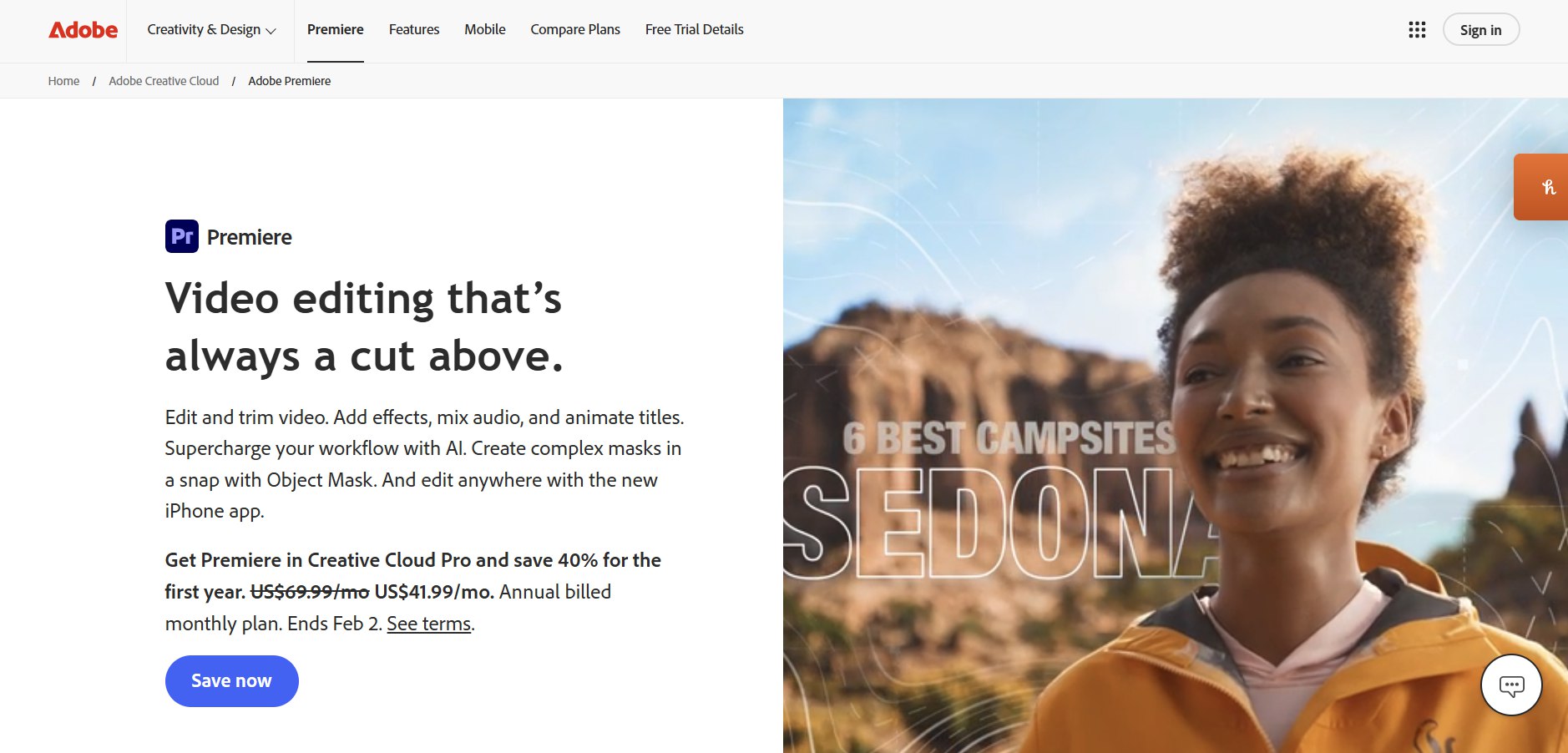
Adobe Premiere 26 is the latest evolution of Adobe’s flagship video editing software, rebranded without the “Pro” but packed with AI-powered tools, faster workflows, and deeper ecosystem integration. If you’re serious about filmmaking, content creation, or motion design, this release is a game-changer.
10 Things You Must Know About Adobe Premiere 26
1. Rebranding: From “Premiere Pro” to “Premiere 26”
- Adobe dropped the “Pro” label, signaling a broader audience beyond professional editors.
- Despite the name change, it remains a nonlinear editing powerhouse with advanced features.
- The rebrand emphasizes accessibility while retaining industry-standard capabilities.
2. AI-Powered Object Masking
- Premiere 26 introduces AI-driven Object Masking that automatically recognizes and tracks moving subjects.
- Editors can now isolate complex objects with a hover-and-click workflow, saving hours of manual rotoscoping.
- Masks track 20× faster than before, making precision edits effortless.
3. Redesigned Shape Masks
- Shape masks now feature dynamic bezier curves and flexible controls.
- This allows editors to create precise, customizable masks for effects, transitions, and color grading.
- The redesign transforms masking into a creative superpower rather than a tedious task.
4. Seamless Adobe Ecosystem Connectivity
- Premiere 26 integrates tightly with Adobe Firefly, Frame.io V4, and Adobe Stock.
- Editors gain instant access to 52 million assets directly within Premiere.
- Firefly Boards enable collaborative ideation, while Frame.io streamlines review and approval workflows.
5. Motion Design Upgrades with After Effects
- Premiere 26 works hand-in-hand with After Effects 2026, offering faster round-trips.
- Motion designers benefit from major upgrades in shape layers and animation tools.
- This synergy ensures editors can move seamlessly between cutting footage and designing motion graphics.
6. One-Click Object Tracking
- Premiere 26 introduces one-click object tracking, simplifying tasks like blurring faces or following logos.
- This feature is especially useful for documentary filmmakers, journalists, and YouTubers who need quick compliance edits.
7. Performance Enhancements
- Adobe optimized Premiere 26 for speed and stability, reducing crashes and lag.
- Mask tracking, rendering, and playback are significantly faster.
- Editors working with 4K and 8K footage will notice smoother performance across timelines.
8. Cloud Collaboration & Remote Workflows
- With Frame.io V4 integration, teams can collaborate in real time.
- Editors can share timelines, receive feedback, and approve cuts remotely.
- This makes Premiere 26 ideal for distributed teams and global productions.
9. Accessibility & User Experience
- Adobe redesigned the interface to be more intuitive for beginners while retaining depth for professionals.
- Tooltips, guided workflows, and AI suggestions help new users learn quickly.
- The balance between simplicity and power makes Premiere 26 a versatile tool for all skill levels.
10. Industry Adoption & Future Outlook
- At the 2026 Sundance Film Festival, 85% of films were edited using Adobe Creative Cloud tools.
- Premiere 26 cements Adobe’s dominance in professional filmmaking while expanding into creator markets.
- Expect future updates to push deeper into AI automation, VR/AR editing, and cloud-native workflows.
📊 Comparison Table: Premiere 26 vs Premiere Pro 25
| Feature | Premiere Pro 25 | Premiere 26 |
|---|---|---|
| Branding | “Pro” | Simplified “Premiere” |
| Object Masking | Manual + AI assist | Full AI-powered, 20× faster |
| Shape Masks | Basic bezier | Dynamic, flexible, redesigned |
| Ecosystem | Limited Firefly | Full Firefly + Frame.io V4 |
| Performance | Stable | Faster, optimized for 8K |
| Collaboration | Basic cloud sync | Real-time Frame.io integration |
Risks & Trade-Offs
- Learning curve: AI tools may oversimplify workflows, leading to over-reliance.
- Subscription costs: Adobe’s pricing remains premium, which may deter hobbyists.
- Hardware demands: Advanced features require powerful GPUs and CPUs.
- Cloud dependency: Collaboration features rely on stable internet connections.
Conclusion
Adobe Premiere 26 is not just an upgrade—it’s a redefinition of video editing in 2026. With AI-powered tools, ecosystem connectivity, and performance boosts, it empowers both professionals and creators to edit faster, smarter, and more creatively.
👉 If you’re a filmmaker, YouTuber, or motion designer, Premiere 26 is a must-learn tool that will shape the next decade of video editing.
Facebook Comments