


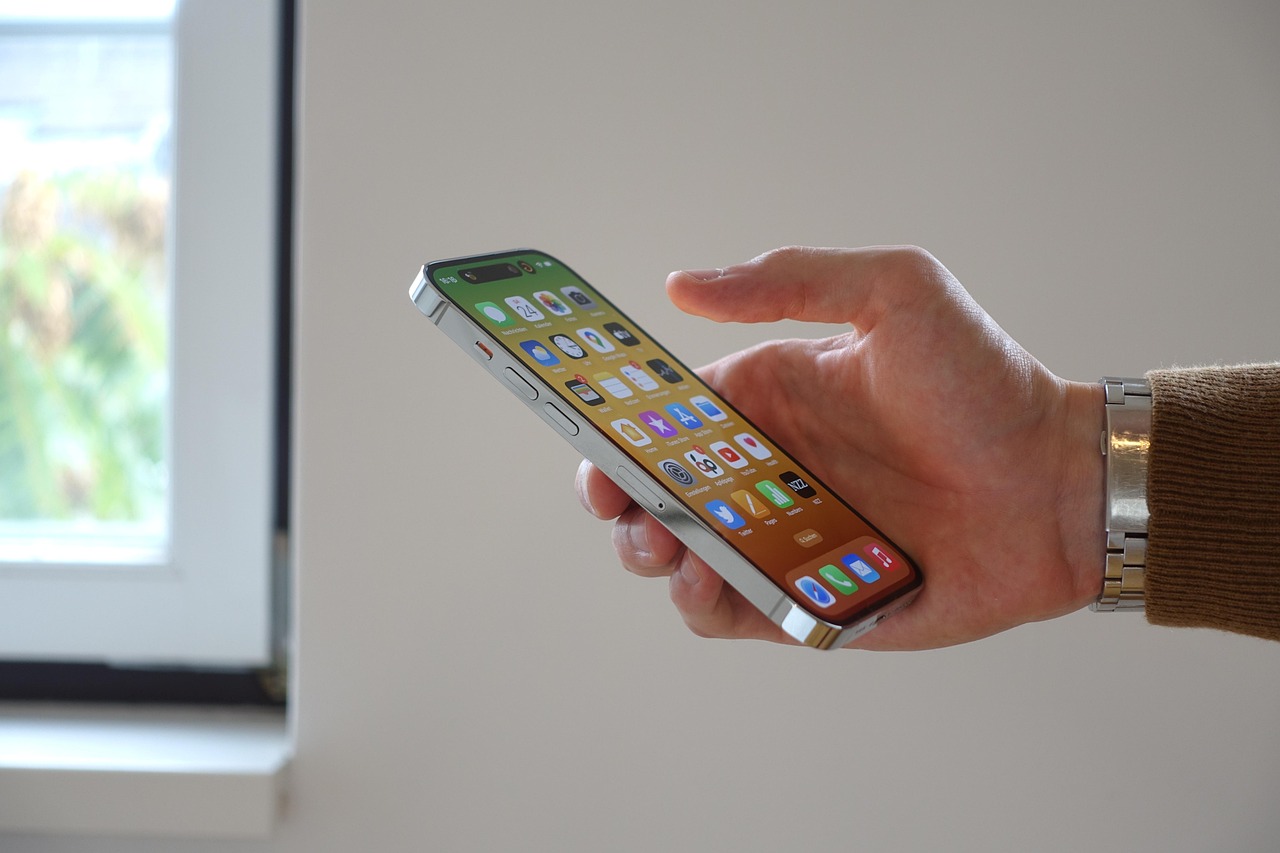
Apple’s iOS 26.2 update (released December 2025) introduces reminder alarms, Liquid Glass UI refinements, podcast chapters, AirDrop improvements, better sleep tracking, Freeform tables, Apple News tweaks, and critical security fixes.
📱 10 Things You Must Know About iOS 26.2
🌍 Introduction
Apple’s iOS updates are more than bug fixes—they shape how millions of people interact with their iPhones daily. The iOS 26.2 release (December 2025) may not be a massive overhaul, but it delivers meaningful refinements, new features, and crucial security patches. If you’re wondering whether to update, here are the 10 things you must know about iOS 26.2.
1. Reminder Alarms: Never Miss a Task Again
- What’s New: The Reminders app now lets you set alarms for urgent tasks.
- How It Works: Toggle “Urgent” when creating a reminder → alarm rings when due.
- Extra: Snooze option + Live Activity countdown on Lock Screen.
- Why It Matters: Perfect for deadlines, medication reminders, or time-sensitive tasks.
2. Liquid Glass UI Refinements
- What’s New: Apple’s controversial “Liquid Glass” design now has an opacity slider.
- Benefit: Users can adjust transparency for better readability.
- Why It Matters: Balances aesthetics with accessibility, especially for visually impaired users.
3. Podcast Chapters & Links
- What’s New: Apple Podcasts now supports automatic chapters and embedded links.
- Benefit: Easier navigation through long episodes.
- Why It Matters: Enhances learning and entertainment by letting listeners jump to key sections.
4. AirDrop Improvements
- What’s New: Easier sharing with simplified prompts and faster transfers.
- Benefit: Reduces failed transfers, especially in crowded areas.
- Why It Matters: Makes iPhone-to-iPhone sharing more reliable.
5. Better Sleep Scores
- What’s New: Health app now provides more detailed sleep analysis.
- Benefit: Tracks sleep stages, consistency, and quality.
- Why It Matters: Helps users improve wellness with actionable insights.
6. Freeform App Tables
- What’s New: Freeform now supports tables for structured brainstorming.
- Benefit: Organize ideas, projects, or group work visually.
- Why It Matters: Makes Freeform more versatile for professionals and students.
7. Apple News Tweaks
- What’s New: Improved personalization and layout.
- Benefit: Easier to follow topics and discover relevant stories.
- Why It Matters: Keeps Apple News competitive with other aggregators.
8. Critical Security Fixes
- What’s New: Patches for vulnerabilities exploited in the wild.
- Benefit: Protects against malware and data theft.
- Why It Matters: Essential for safeguarding personal information.
9. Performance & Bug Fixes
- What’s New: Hundreds of bug fixes across apps.
- Benefit: Smoother performance, fewer crashes.
- Why It Matters: Improves reliability for everyday use.
10. Update Availability & Compatibility
- Release Date: December 12, 2025.
- Devices Supported: iPhone 15 and newer.
- How to Update: Settings → General → Software Update.
📊 Comparative Snapshot
| Feature | iOS 26.1 | iOS 26.2 |
|---|---|---|
| Reminder Alarms | ❌ | ✅ |
| Liquid Glass Slider | ❌ | ✅ |
| Podcast Chapters | ❌ | ✅ |
| AirDrop Improvements | ❌ | ✅ |
| Sleep Scores | Basic | Detailed |
| Freeform Tables | ❌ | ✅ |
| Apple News Tweaks | Limited | Enhanced |
| Security Fixes | Minor | Critical |
| Bug Fixes | Some | Hundreds |
| Release Date | Oct 2025 | Dec 2025 |
⚠️ Risks & Trade‑offs
- Storage Space: Update requires ~2GB free.
- App Compatibility: Some third-party apps may need updates.
- Learning Curve: New UI tweaks may confuse users initially.
✅ Conclusion
iOS 26.2 is a must‑install update: it strengthens security, refines design, and adds practical features like reminder alarms and podcast chapters. While not revolutionary, it’s a quality‑of‑life upgrade that makes iPhones more reliable and user‑friendly.